|
EMail Client's Settings
2017/04/26 |
|
Configure for your Mail Client on your PC. This example shows with Mozilla Thunderbird.
|
|
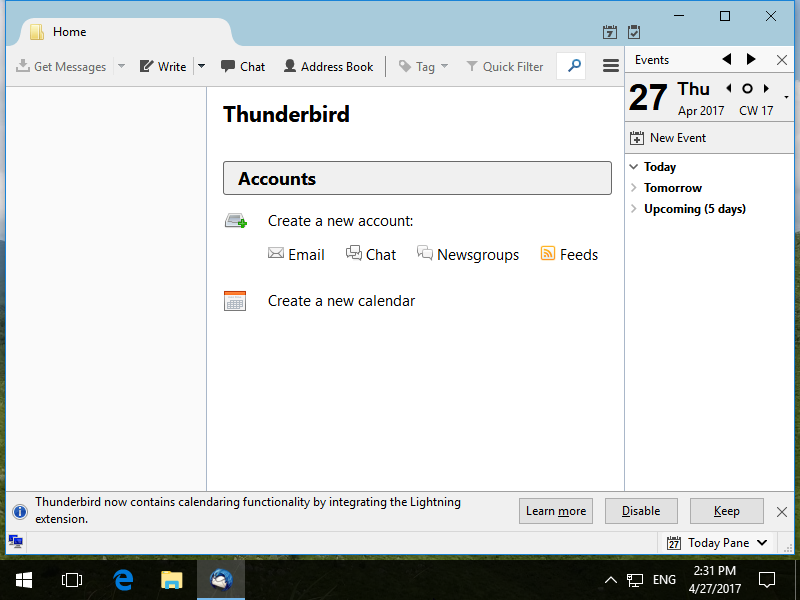
| [1] | Run Thunderbird and Click [Create a new account] - [EMAIL]. |
|
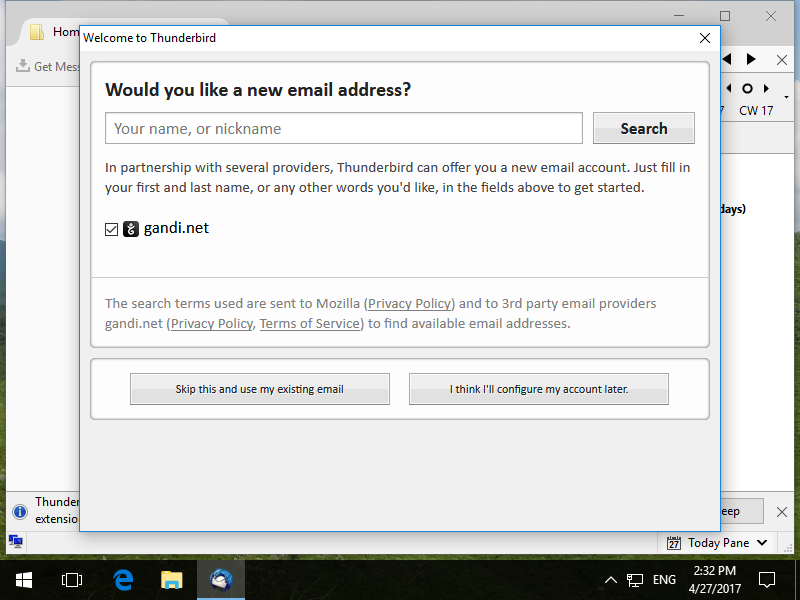
| [2] | Click [Skip this and use my existing email]. |
|
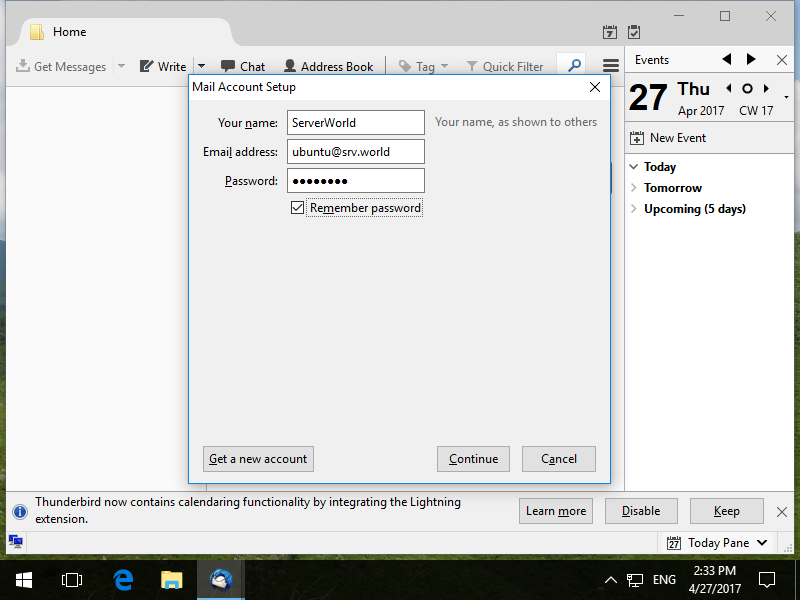
| [3] | Input any namme which is displayed as email-Sender and also input email address and password, amd then Click [Continue] button. |
|
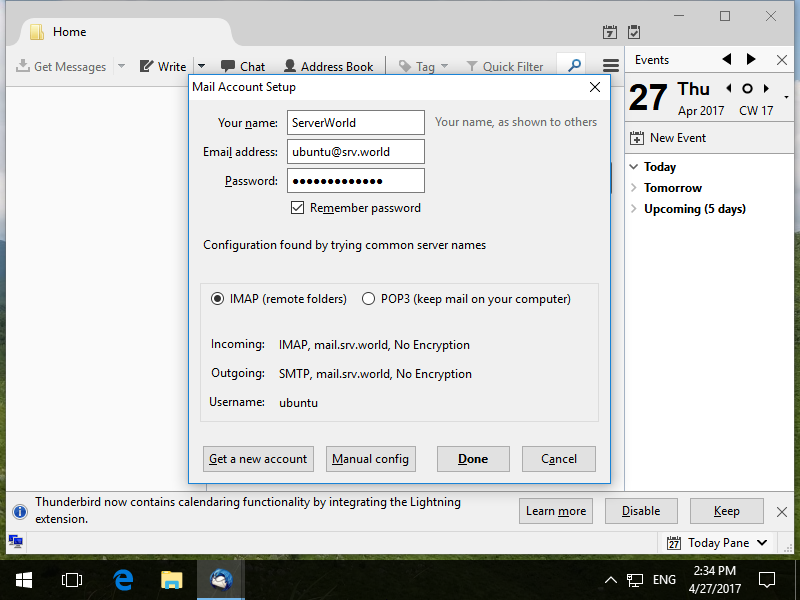
| [4] | Click [Manual config] button. |
|
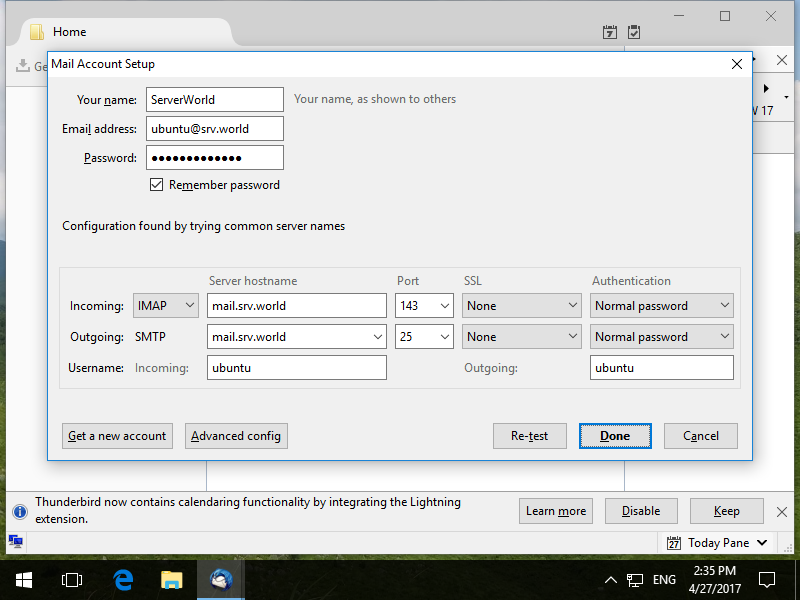
| [5] | Confirm selection and also confirm [Authentication] fields are selected [Normal password] like follows, then Click [Done] to finish. |
|
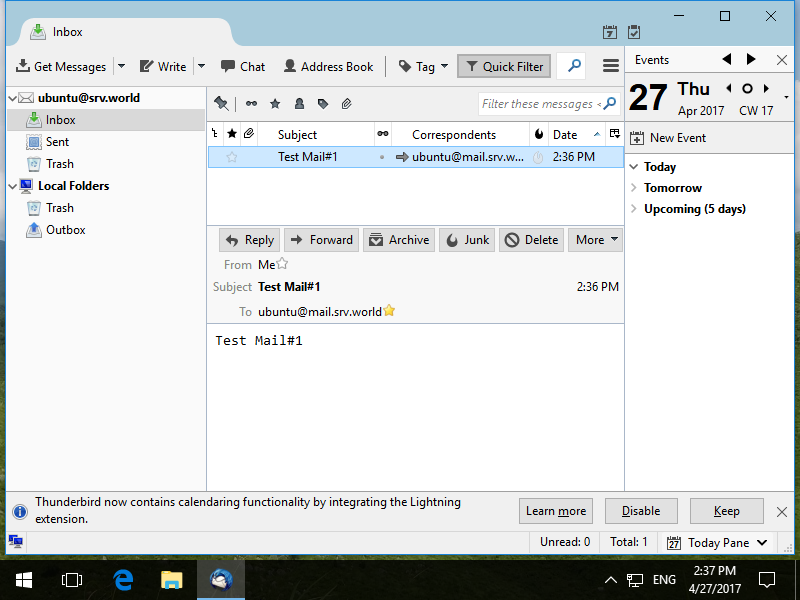
| [6] | If email account setup normally, it's possible to send or receive emails like follows. |
|